Troubleshoot
Aurum MotorsCollision Issue at Ramp / Trailer Spawning on Front
Why This Happens
Aurum Motors uses collision and map data that can conflict with other MLOs or IPL loaders on your server. When two resources try to load overlapping .ymap or .ybn files, GTA V applies the wrong collision data — causing vehicles to clip through the ground, float, or tilt at the dealership ramp area.
Symptoms
- Vehicles tilt, float, or clip into the ground near the dealership ramp
- A trailer or object spawns at the front of the dealership
- Cars bounce or behave erratically when driving onto the lot
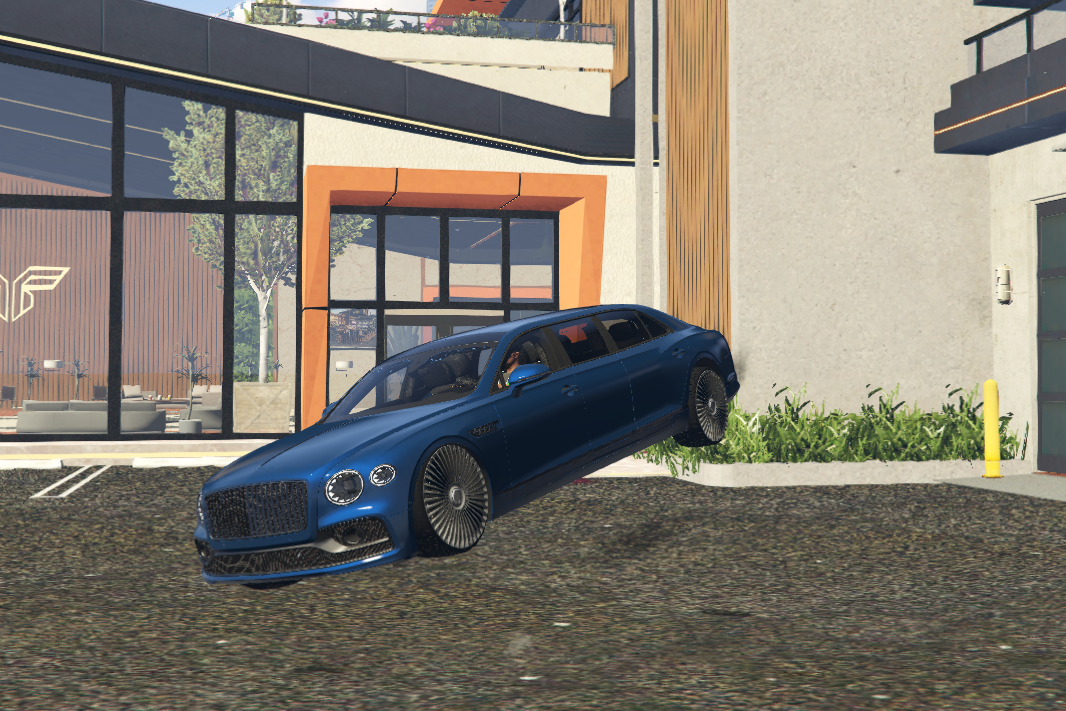
Vehicle tilting due to collision conflict at ramp
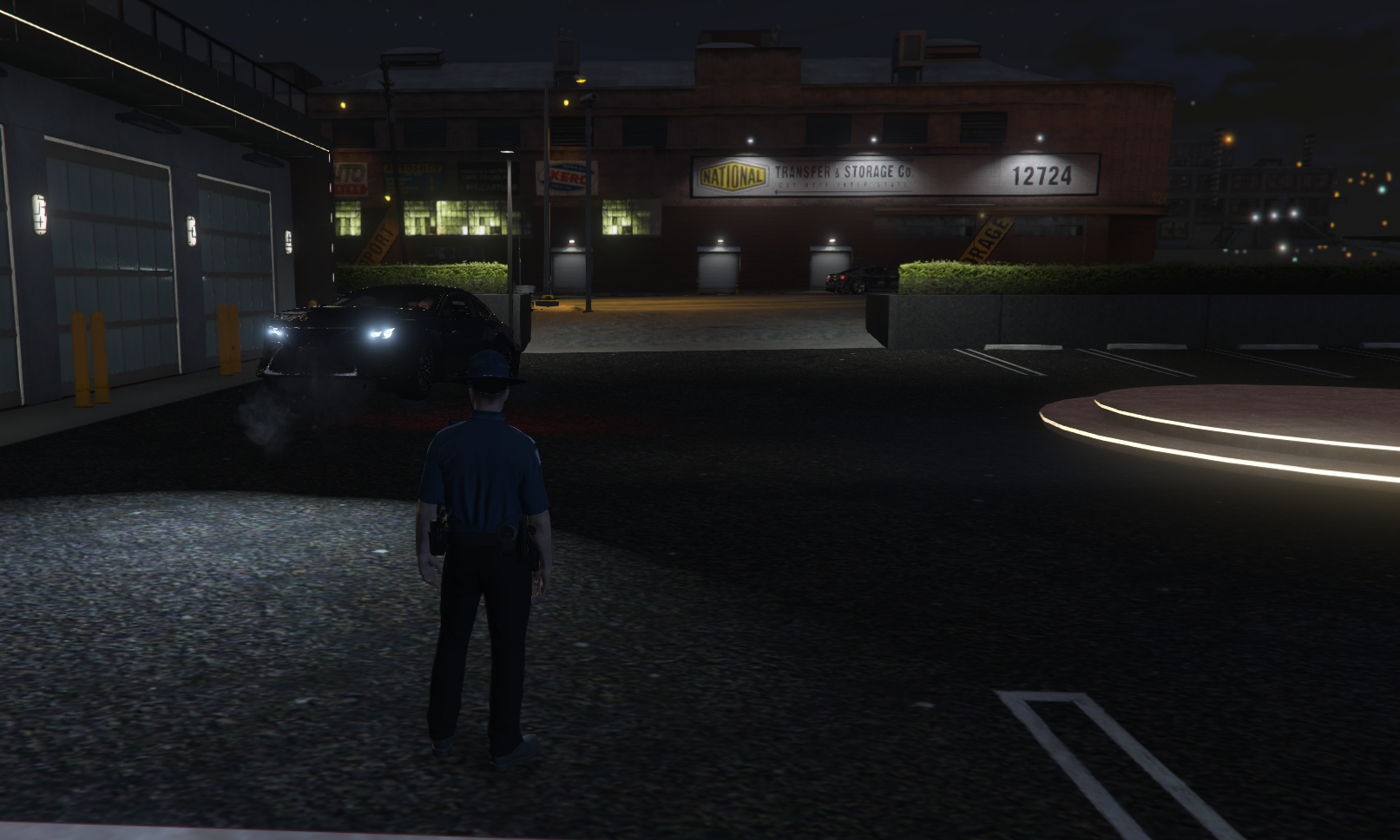
Dealership exterior view
⚠ DO THIS FIRST
Required Step — Do not skip
Step 1: Remove Garment Factory Collision Files
This single step fixes the issue for 90%+ of users. Read it carefully before moving to Step 2.
The most common cause is conflicting garment factory map files. If you skip this step, the rest of the guide will not help you.
Search your entire server resources folder for these two files and delete or remove them:
m24_2_garment_factory_1.ybn
m24_2_garment_factory.ymap
These files are commonly found inside the BOB74 IPL resource in your server root folder. Check there first.
Where to Look
- Inside the Aurum Motors MLO folder itself
- Inside BOB74_IPL or any IPL-loading resource in your server root
- Inside any other MLO resource that loads garment factory data
After removing these files, restart your server and test before continuing. This resolves the issue in most cases — only proceed to Step 2 if the problem persists.
Fix — Step 2: Check for Conflicting MLOs
If the collision issue still exists after removing the garment factory files, another MLO on your server is likely the culprit.
How to Find It
- Open each MLO resource folder in your server
- Look for
.ymapor.ybnfiles that share names with files inside Aurum Motors, such as:
★ MOST COMMON CONFLICT
Check this file first
The majority of users hit a conflict with this single file:
hei_id2_rd_long_0.ymap
Search every MLO/IPL resource for this file and remove it from the conflicting resource before checking the rest of the list below.
| File Type | Common Conflicting Files |
|---|---|
.ymap | hei_id2_14_critical_0.ymap, hei_id2_14_long_0.ymap, hei_id2_14_strm_0.ymap |
.ybn | hei_id2_14_0.ybn, hi@hei_id2_14_0.ybn, hi@hei_id2_14_2.ybn, id2_14_0.ybn |
- Once you find the MLO with overlapping files — remove that MLO or delete the conflicting files from it
Do not delete collision files from Aurum Motors itself. Always remove the duplicate from the other conflicting resource.
Removing Service Lift Props
If you want to remove the service lift props from the service/mechanic area, delete the following file from the stream folder:
dealerash_service_lift.ydr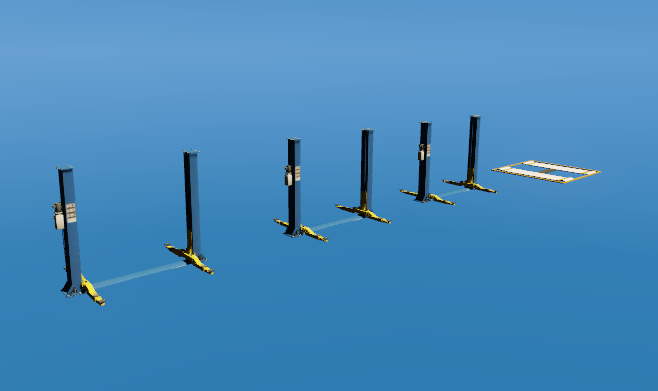
Service lift prop models
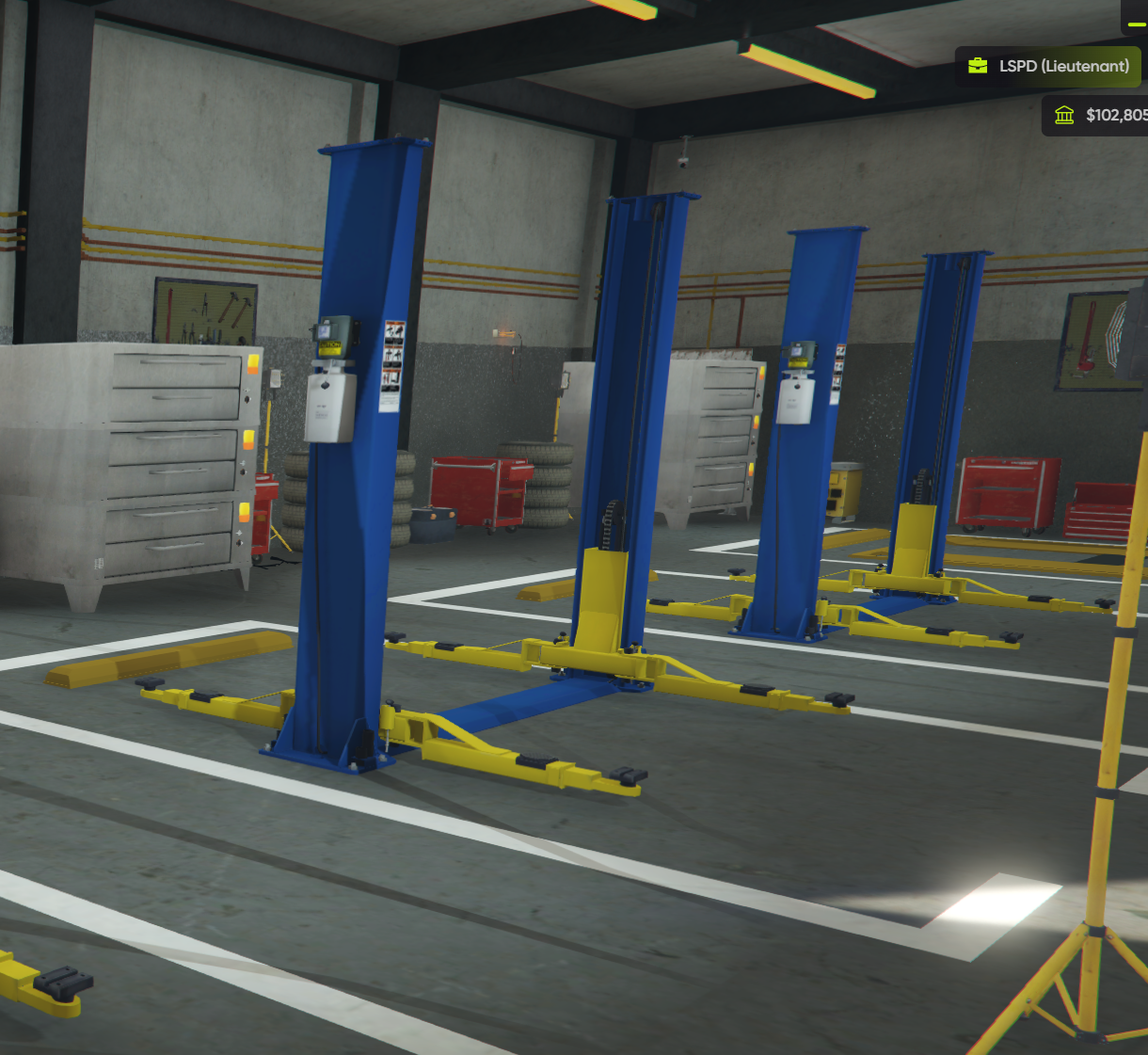
Service lifts inside the mechanic area
After deleting the file, restart your server for the change to take effect. The service area will remain intact — only the lift props will be removed.
Summary
| Step | Action | Fixes |
|---|---|---|
| 1 | Delete m24_2_garment_factory_1.ybn and m24_2_garment_factory.ymap | Most ramp collision / trailer spawn issues |
| 2 | Find and remove any MLO with duplicate .ymap / .ybn files | Remaining collision conflicts |