Info
Vinewood LSPDRemoving Outside Badging
If you want to remove the exterior police badging from the building, you can do so by deleting a single file from the resource.
To remove the outside department badging, locate and delete the following file:
ext_middle_police.ydrThis change is permanent — make sure to keep a backup of the original file in case you want to restore the outside badging later.
Once deleted, restart your server and the exterior building will no longer display any department badging.
Setting Up Your Custom PD Logo
You can replace the default department logo that appears on the interior wall and the exterior floor with your own custom logo.
To set up your custom logo, open the following texture dictionary and replace the custom_logo_pd texture with your own:
vine_peds.ytd — replace texture custom_logo_pd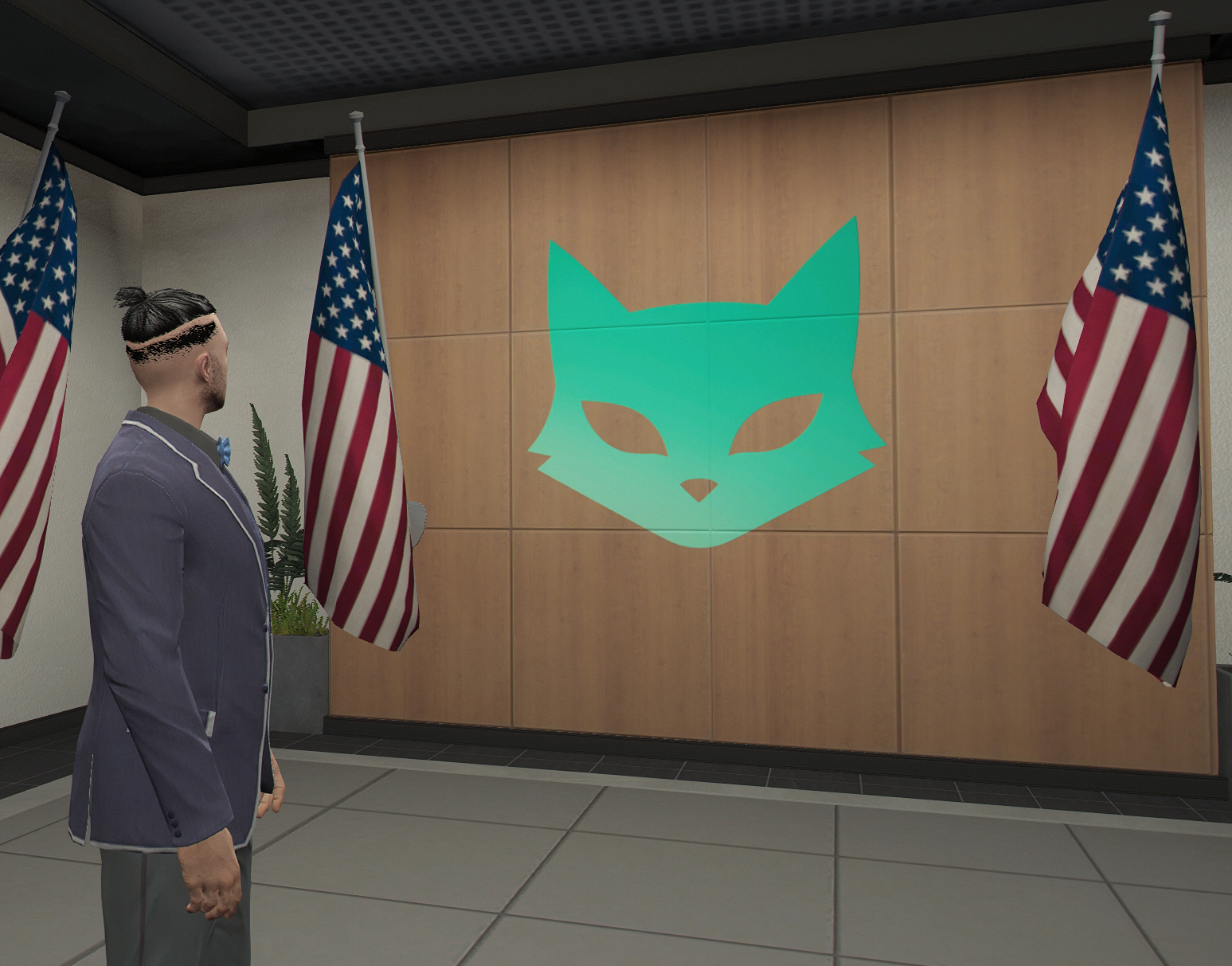
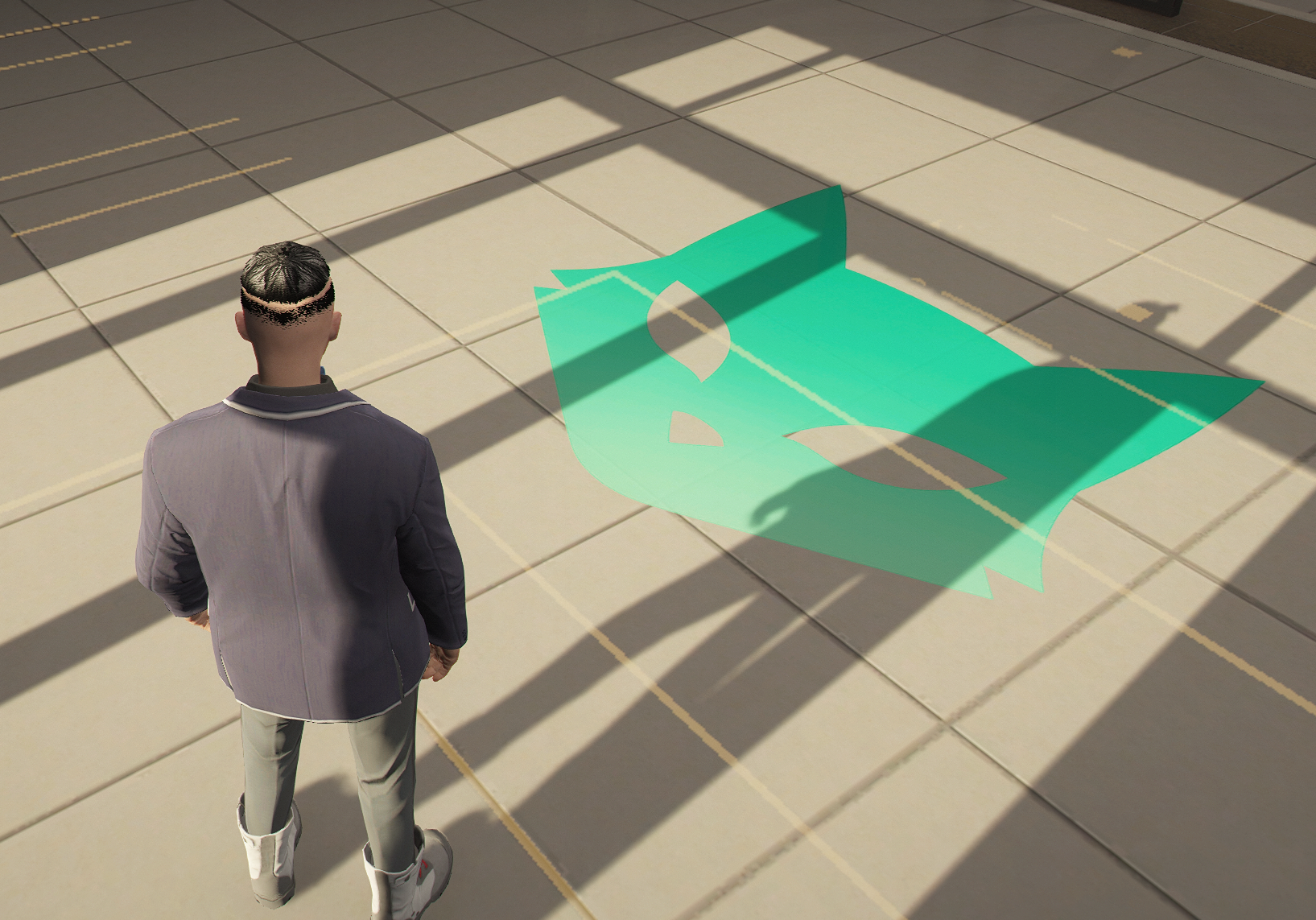
Make sure your replacement texture keeps the same name (custom_logo_pd) and dimensions as the original, otherwise it may not display correctly in-game.